Part-time retail role at a wine and spirits store. Looking for friendly people who can work evenings/weekends. No experience required, but customer service skills and ability to lift up to 50 lbs are helpful. Pay $19.08 – $26.71 an hour
Link
FT In-person: Entry Level Customer Service Representative, Elevated Consulting, Oakland, CA
Full-time role interacting with customers and promoting telecom products. They are looking for good communicators with strong time management skills. No experience required; training provided. Pay $48,000 – $52,000 a year
FT In-person: Concierge, Belmont Village Albany, Albany, CA
Full-time front desk position assisting residents and visitors at a senior living community. They are looking for someone reliable, friendly, and organized with basic computer and phone skills. No prior experience required beyond strong customer service. Pay $21/hr
FT In-person: Workplace Experience Receptionist, CBRE, San Francisco, CA
Full-time front desk position in a professional office setting. They are looking for someone friendly, organized, and comfortable with basic computer tasks. Requires a high school diploma and up to 2 years of experience. Pay $21.63 – $25.00 an hour
Link
FT/PT Remote: Social Media Content Creator, Climate Defiance, United States
Part-time or full-time position creating viral content to support climate action. They’re looking for creative, politically engaged candidates with strong social media and video editing skills. Open to applicants with experience in progressive causes. Compensation: $30 / hour
Link
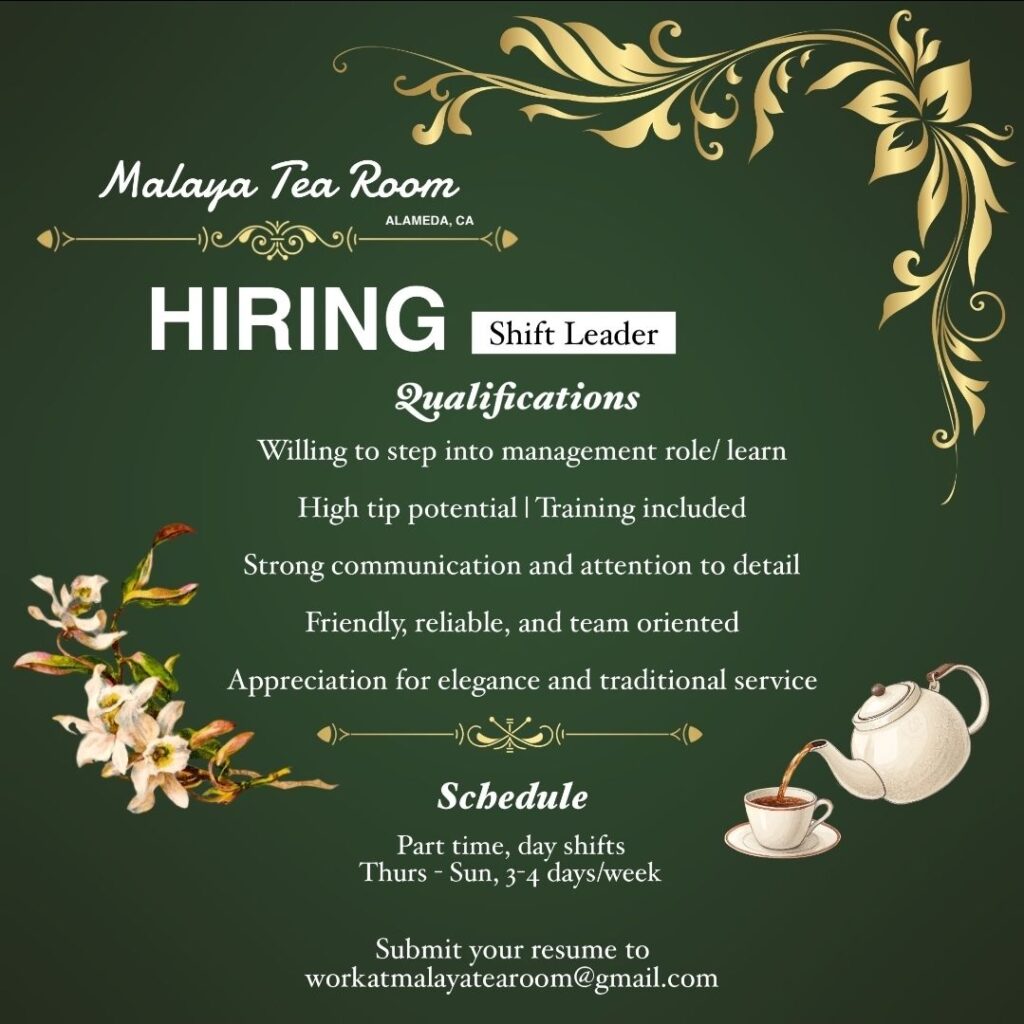
PT In Person, Shift leader, Malaya Tea Room, Alameda, CA
FT In-person: Team Member, Noah’s New York Bagels, San Francisco, CA
Full-time position supporting customers in a fast-paced bagel shop. They are looking for friendly, upbeat people with good communication skills. Easy qualifications and no experience required. Work-life balance emphasized—no evening shifts. Pay $20-22/hr
Link
What I Did Today
Today I finished the Drive Imaging lab. It was pretty fun, and very simple when I really thought about it and went through it. There wasn’t much to say, but I think the advance lab will be longer than the regular lab, so I hope I can follow through with it just as I did with the regular lab.
What I Did Today
We continued on the drive recovery using the Acronis true image after a short brief on what we were doing on the project. Worked on that for the last 2 sessions in class and I ran into a problem using the true image software and could not get it to work on the first few attempts. Will do more research and topic and try and tackle it again in my free time later.
What I Did Today
I made a copy of the file AcronisBootableMedia.iso. This file can be found in the ISOs folder of Student NAS, also on the itHub. Also, I created a VM with the following configuration
VM name: W10_NoSysprep_YourName
Guest OS: Microsoft Windows / Windows 10 (64-bit)
Memory/RAM: 4096 MB
Storage: 40 GB
CPU: 2 Cores and Boot to the Acronis True Image ISO on your VM. Check to see if networking is ready by looking for an IP address on the CTP network in Network Options. In True Image, from the Home tab, select Recover or click on the Recovery tab